Menu bar panel
One click or one shortcut opens it. It drops right under the menu bar.
Outbound keeps your prompts in the menu bar. Type a few letters. Press Return. It pastes where you type.
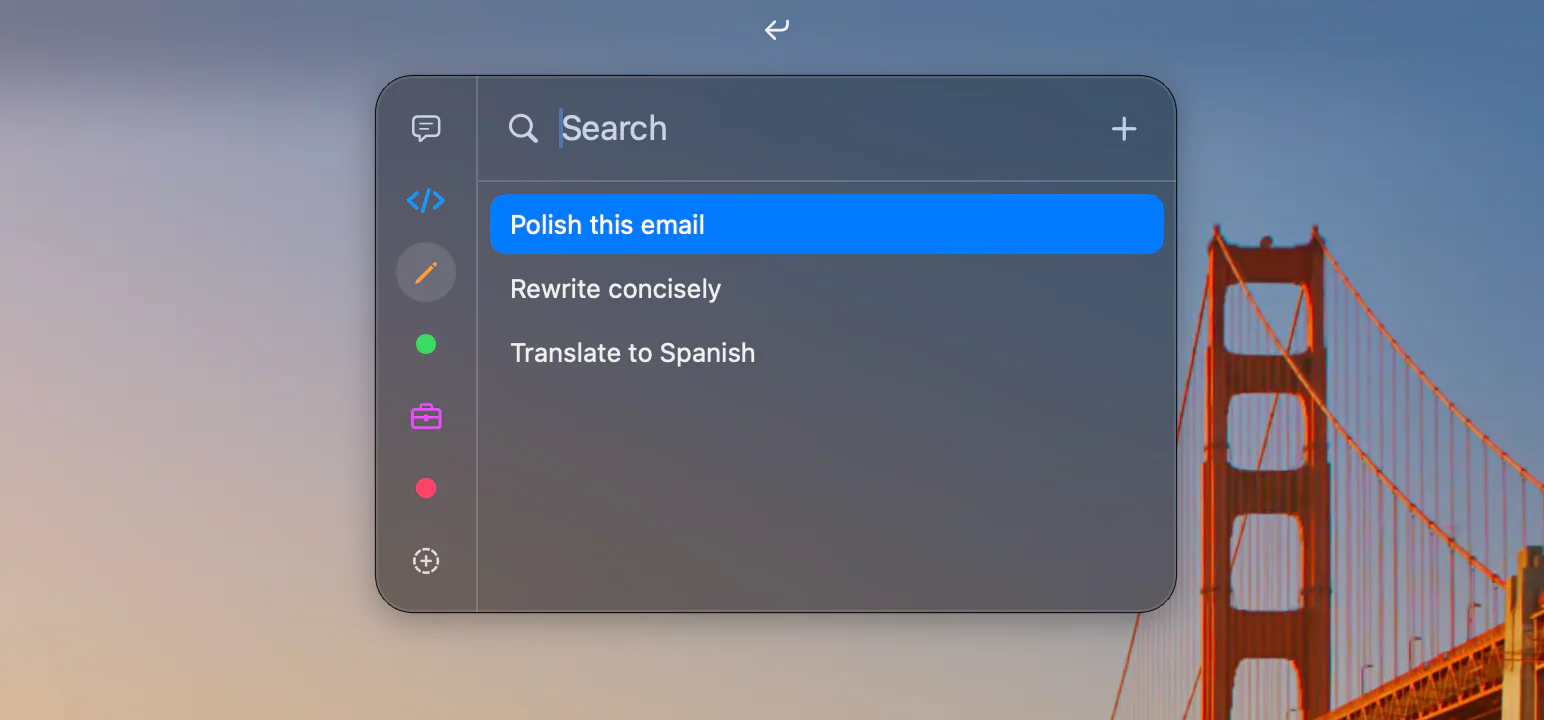
Outbound is made for macOS 26. It is small and fast, and it stays out of the way.
One click or one shortcut opens it. It drops right under the menu bar.
Pick a prompt and press Return. It lands in the app you were using.
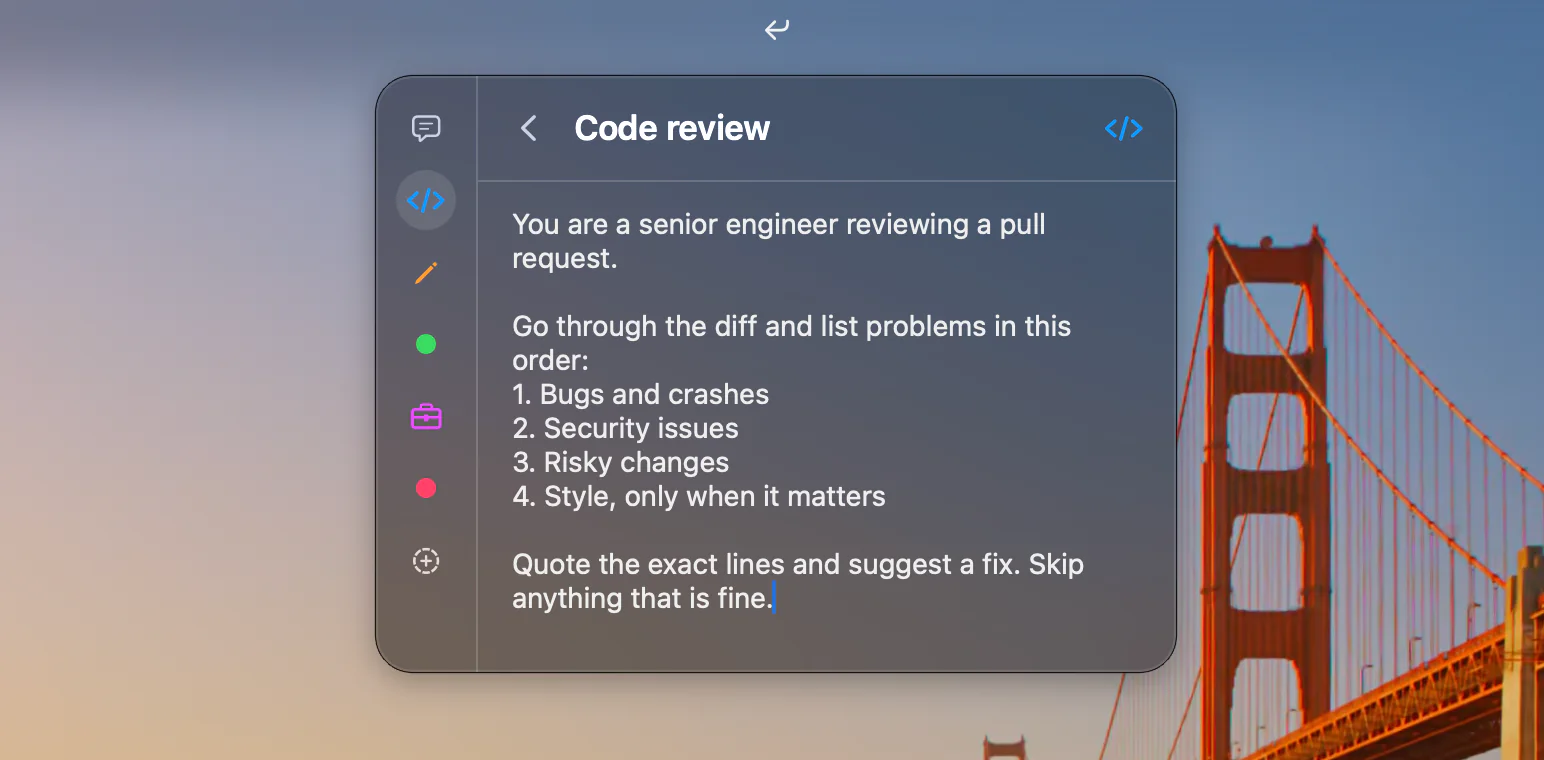
Type a few letters. cdrv finds Code review.
Sort prompts into categories. Each one is a dot or an icon.
Search, pick, edit, and switch categories. No mouse needed.
Delete without a warning. ⌘Z brings it back.
Bring in text files. Each subfolder becomes a category.
Your library is one JSON file. Read it, back it up, or sync it.
No account. No analytics. Nothing leaves your Mac.
Anyone can read the code. It is free to use and change.
Titles rank first, then text. The best match is already picked.
Type part of a title, a word from the text, or just the first letters. Press Return to paste.
Click, shortcut, or keys. You choose.
Click the icon in the menu bar. The panel drops down.
Set your own shortcut. Open it from any app.
↩ pastes. ⌘↩ copies. ⌘E edits.
Free and open source. Yours to keep.
Free for Mac
The app, ready to run.
MIT licensed
Read every line.
Star on GitHubYou need a Mac with macOS 26 or a newer version. To build it yourself, you also need Xcode 26 or a newer version.
So it can paste for you. After you press Return, it sends one ⌘V to the app you were using. Without it, Outbound copies the prompt and you paste it yourself.
In one JSON file on your Mac, at ~/Library/Application Support/Outbound/Library.json. You can read it, edit it, and back it up.
Yes. Move the file to a synced folder and leave a symlink in its place. Outbound keeps the link when it saves.
No. It has no account and no tracking, and it makes no network requests. Your prompts stay on your Mac.
Yes. It is free and open source under the MIT license.